






CYBERFORDGE - TOOLKIT
CYBERFORGE — Every Avatar Tool. One Tab.
Stop juggling add-ons. Start creating.
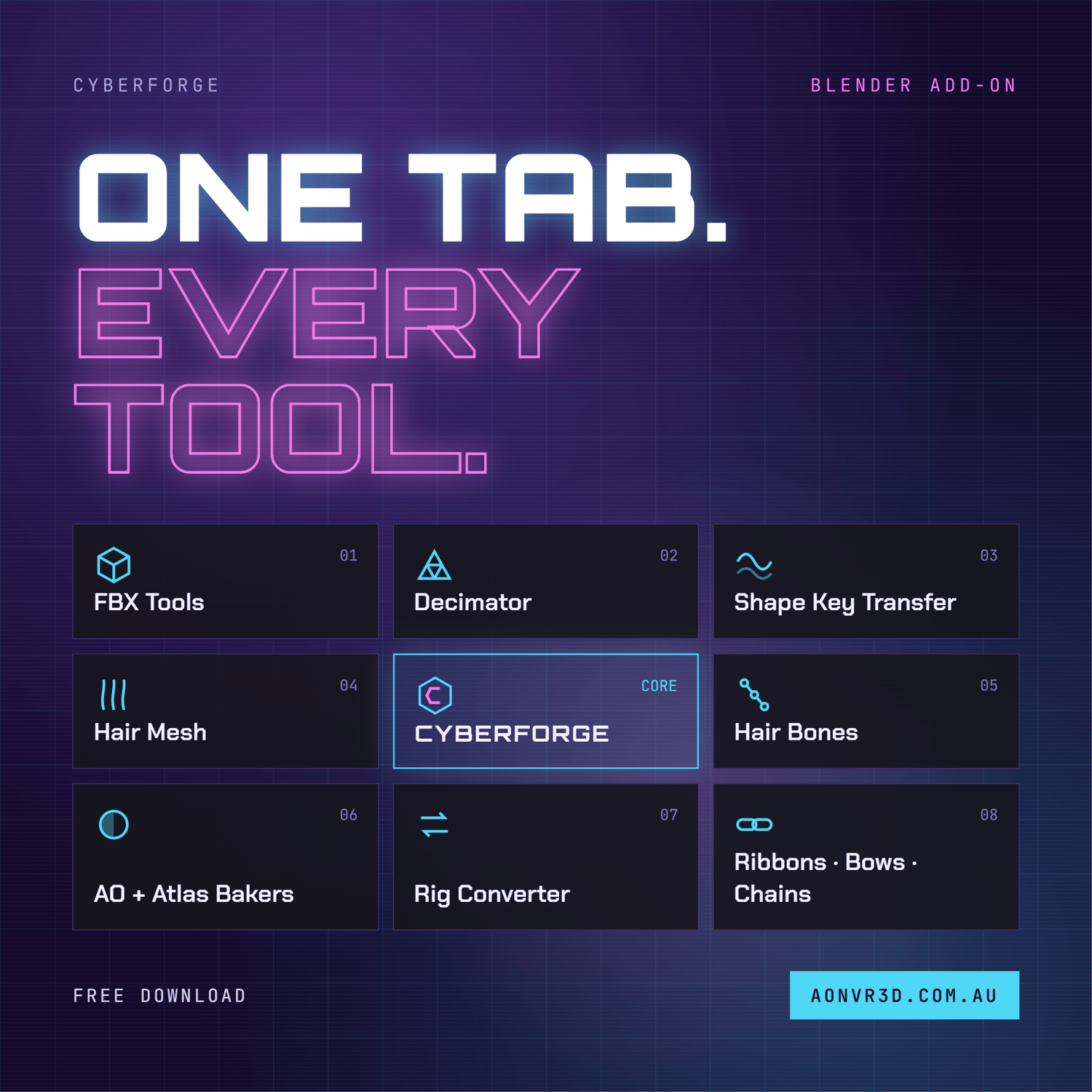
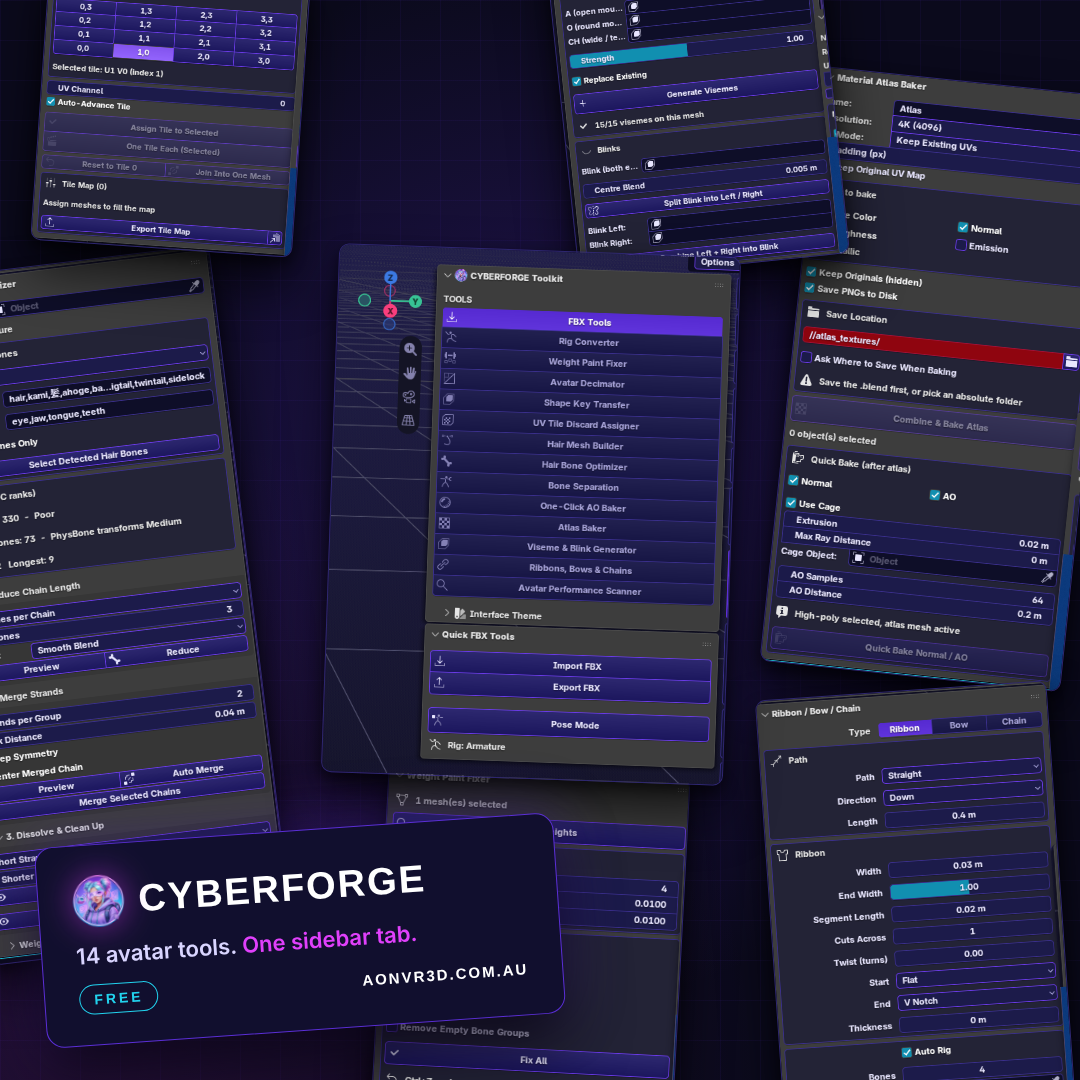
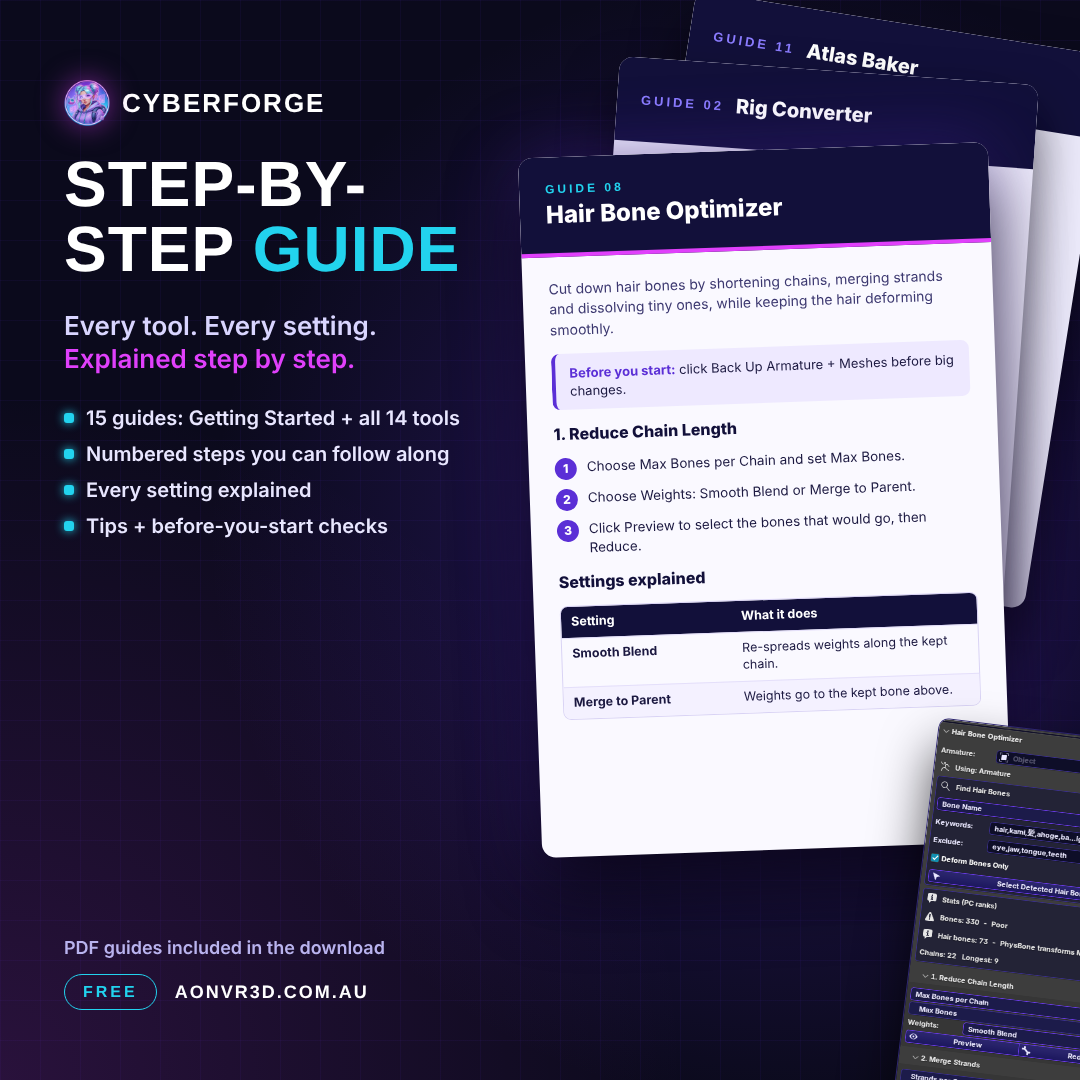
CYBERFORGE brings a full toolkit for avatar creators together in one place: a single tab in Blender's sidebar. Exporting, optimising, rigging, hair, baking and accessories are all in one panel, so you can spend less time hunting through menus and more time on the part you love: making your avatars look amazing.
Why CYBERFORGE Exists
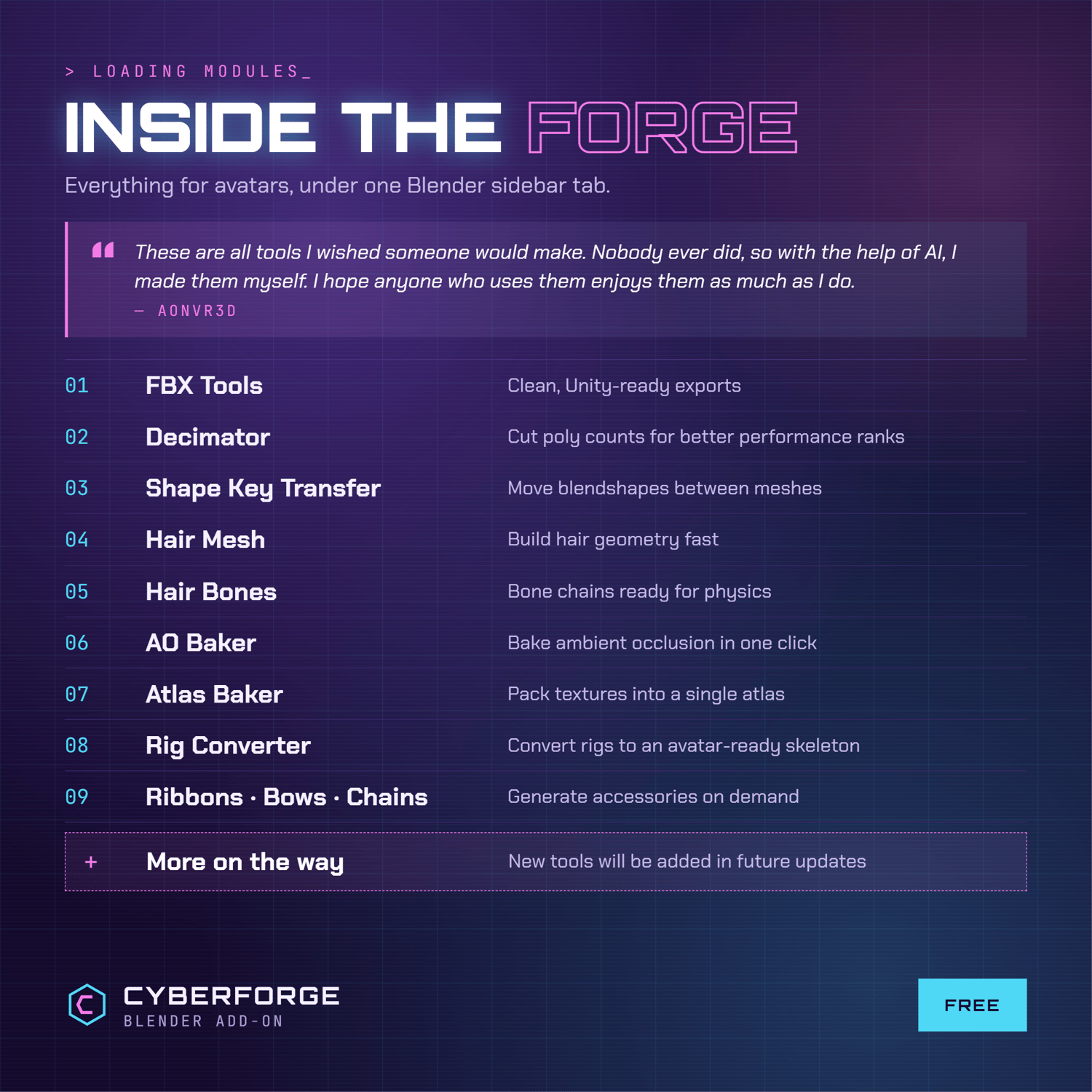
"These are all tools I wished someone would make. Nobody ever did, so with the help of AI, I made them myself. I hope anyone who uses them enjoys them as much as I do."
Every tool in CYBERFORGE came from a real gap in my own workflow. If you've ever thought "there must be an easier way to do this," this add-on was made for you.
What's Inside
🔹 FBX Tools. Clean, export-ready FBX files without fiddling with export settings every time.
🔹 Decimator. Reduce polygon counts to keep your avatars light and running smoothly.
🔹 Shape Key Transfer. Move shape keys (blendshapes) from one mesh to another, so you don't have to rebuild them by hand.
🔹 Hair Mesh. Build hair geometry quickly, straight from the panel.
🔹 Hair Bones. Generate bone chains for hair, ready for physics.
🔹 AO Baker. Bake ambient occlusion in one click for richer, more grounded textures.
🔹 Atlas Baker. Pack multiple textures into a single atlas to cut down materials and keep your avatar optimised.
🔹 Rig Converter. Convert rigs into an avatar-ready skeleton.
🔹 Ribbons, Bows & Chains. Generate accessories on demand to add detail and personality to your outfits.
➕ More on the way. CYBERFORGE will keep growing, with new tools added in future updates.
Who It's For
- Avatar creators who want a faster, tidier workflow
- 3D artists making outfits, hair and accessories
- Anyone tired of switching between a dozen separate add-ons
Requirements
- Blender [minimum version, e.g. 4.2 or newer]
- A working knowledge of Blender is recommended
Installation
- Download the CYBERFORGE .zip file. Don't unzip it.
- In Blender, open Edit → Preferences → Add-ons.
- Click the dropdown arrow in the top right and choose Install from Disk, then select the .zip.
- Tick the box to enable CYBERFORGE.
- In the 3D Viewport, press N to open the sidebar, then click the CYBERFORGE tab.
Made With AI — Please Read
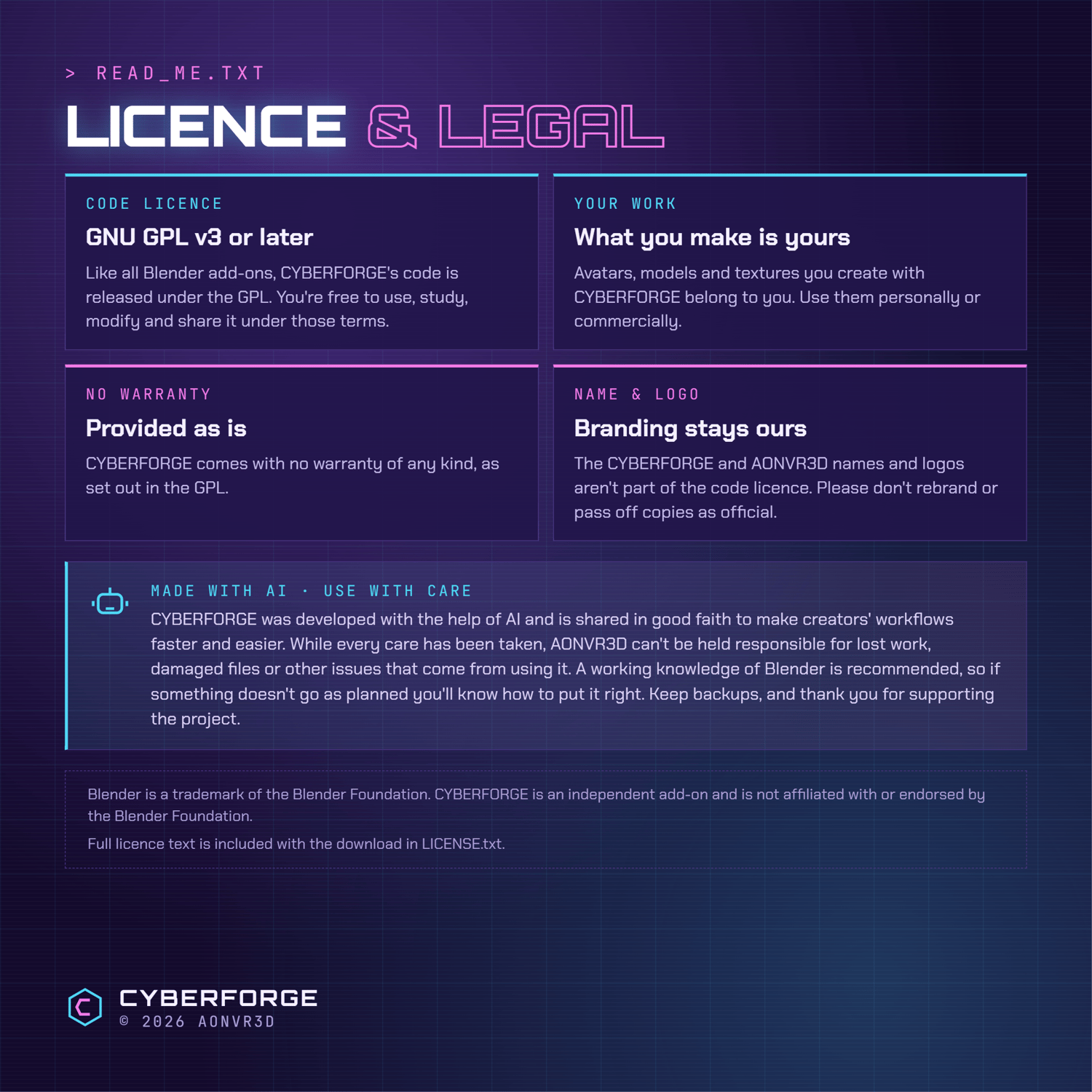
CYBERFORGE was developed with the help of AI and is shared in good faith to make creators' workflows faster and easier. While every care has been taken, I can't be held responsible for lost work, damaged files or other issues that come from using it. A working knowledge of Blender is recommended, so if something doesn't go as planned you'll know how to put it right. Always keep a backup of your .blend files before running any tool.
Licence
- CYBERFORGE's code is released under the GNU GPL v3 or later, the same as all Blender add-ons. The full licence is included in the download as LICENSE.txt.
- Everything you create with CYBERFORGE is yours. Use it personally or commercially.
- The CYBERFORGE and AONVR3D names and logos aren't covered by the code licence. Please don't rebrand it or present copies as official.
- CYBERFORGE comes with no warranty of any kind.
- Blender is a trademark of the Blender Foundation. CYBERFORGE is an independent add-on and isn't affiliated with or endorsed by the Blender Foundation.
Support & Updates
Found a bug or have an idea for a new tool? I'd love to hear it. Reach out at [your contact: Discord invite, email or website]. Follow along for updates as new features are added.
Thank you for supporting CYBERFORGE. Happy creating!